 imgsoft
IMG7 · Hardware & software
From good lighting
to the finished image.
A photography system for the tasks
behind every single photograph.
For coin dealers and auction houses, image series are part of everyday work. IMG7 brings lighting, capture and subsequent image processing into one workflow.
Discuss your photography system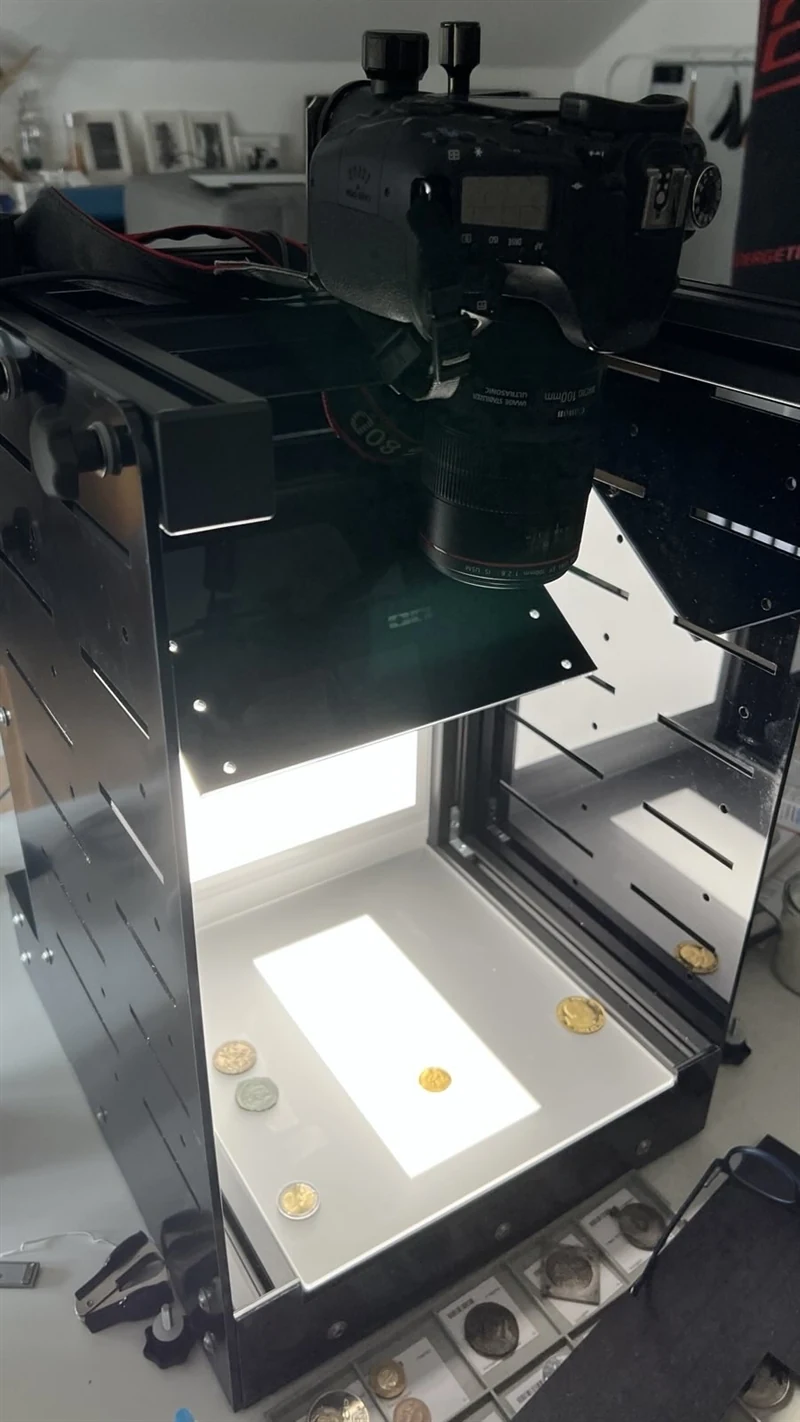
Photograph from the existing product presentation.
01 / Hardware
Light is
the beginning.
LB300 · Sketch
The LB300 is the lighting unit developed by imgsoft for object photography.
A fixed setup helps you photograph coins and medals under comparable conditions. The camera, lens and lighting are matched to the objects and your requirements.
- A defined capture station for small objects
- Lighting suited to the surface and relief
- Setup and introduction in a personal consultation
The camera shown illustrates the workstation. We agree the specific scope of delivery with you.
02 / Software
The workflow
continues.
IMG7 supports the capture, subsequent processing and output of your photographs.
Recurring image processing steps are part of everyday work: importing photographs, preparing images and making them available for further use. We clarify which steps your workstation needs based on your actual workflow.
The focus is on each individual piece, with its strike, surface and condition.
Banknotes are also within the scope of the existing IMG7 offering. We will discuss the capture setup and image processing steps suitable for your objects with you personally.
Versions are available for Windows, Linux and Mac.
03 / Workflow
One coin.
A clear workflow.
A typical example for obverse and reverse. The setup depends on your objects, equipment and desired image files.
- 01
Prepare
Position the object and adjust the lighting and camera to suit the surface.
- 02
Capture
Photograph the obverse and reverse and check that the images are complete.
- 03
Process
Apply the agreed processing steps and check the result.
- 04
Deliver
Output image files for use in a catalogue, shop or archive.
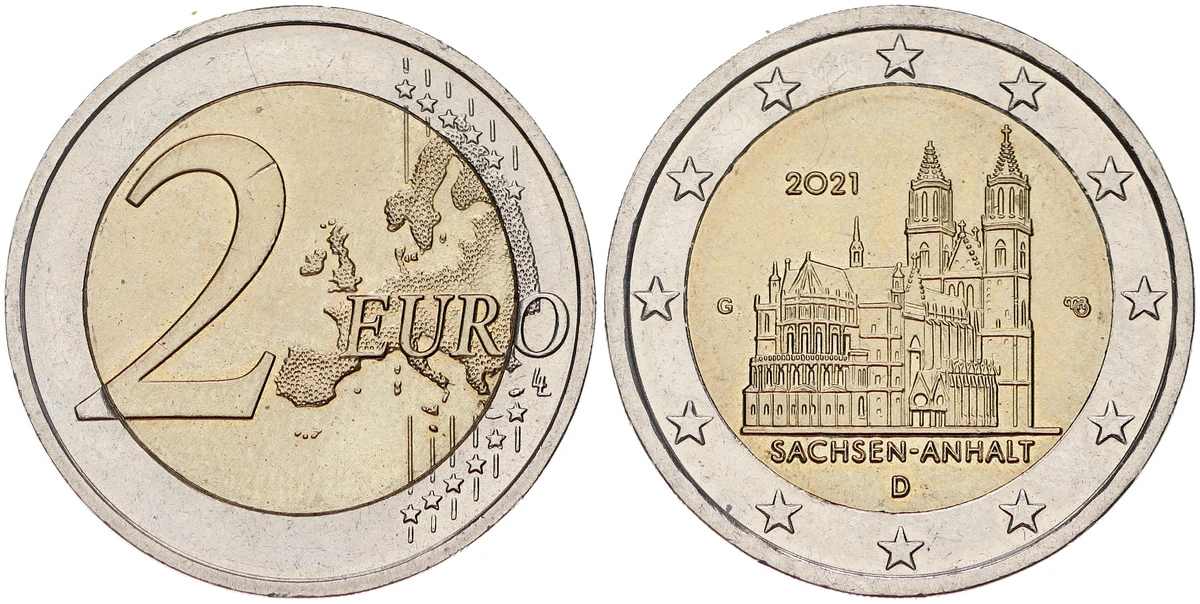
The result
Both sides.
A complete view.
Genuine sample photographs show how differently materials and surfaces appear.
View sample photographs ↗A note on the earlier workflow video
The workflow remains the guide.
The previous video showed an earlier lightbox series that is no longer produced. The sample workflow described above replaces this historical product presentation. Specific timings or economic figures cannot be taken from it as a general commitment.